AI thumbnail maker for YouTube
Thumbnails that
don't look AI.
Your real face. Titles spelled right. Fix any detail. Start free: score your latest thumbnail, or audit your whole channel to see which ones are costing you views.
- No subscription
- Credits never expire
- Scores always free
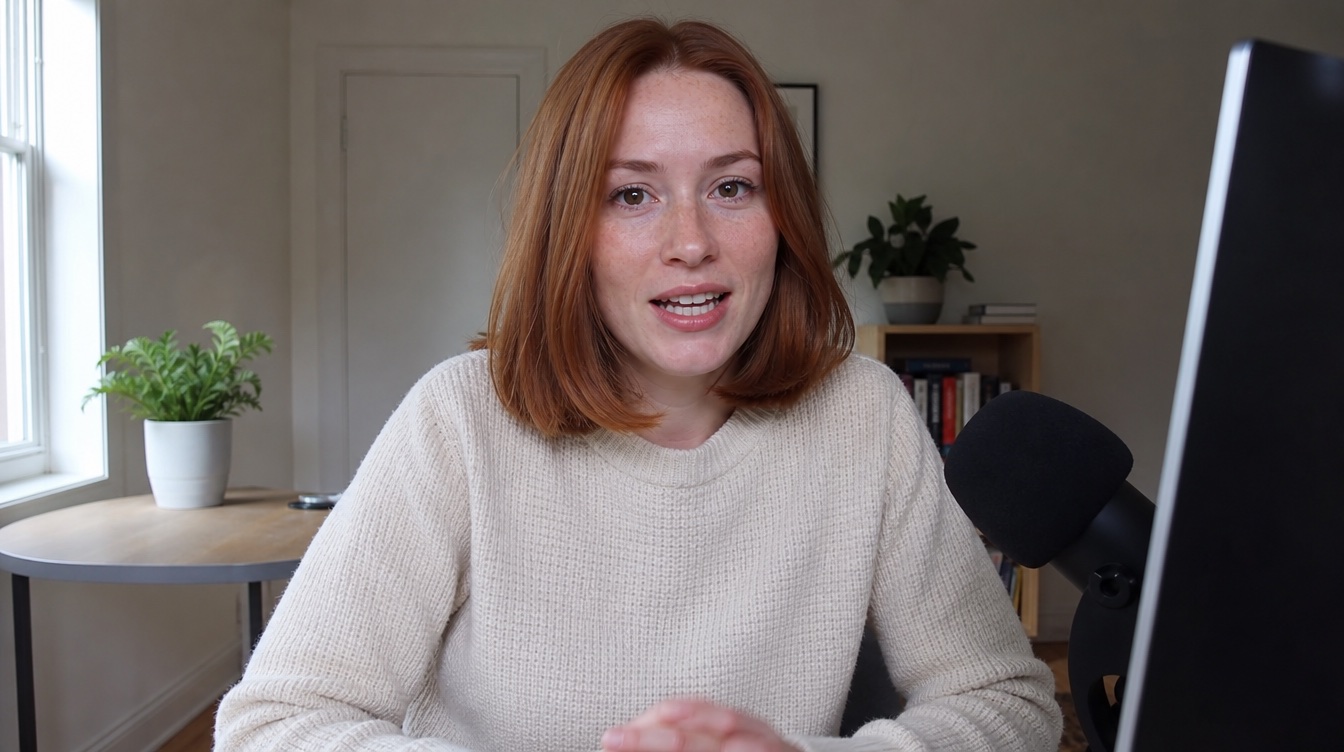
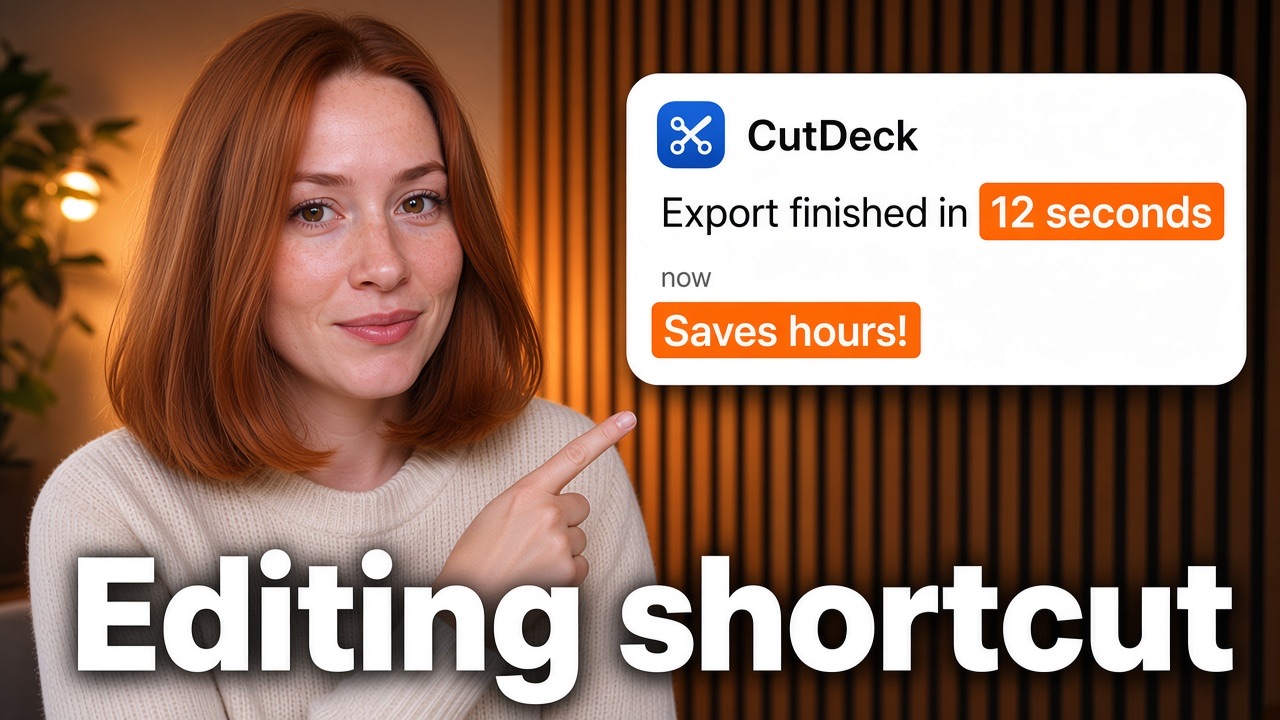

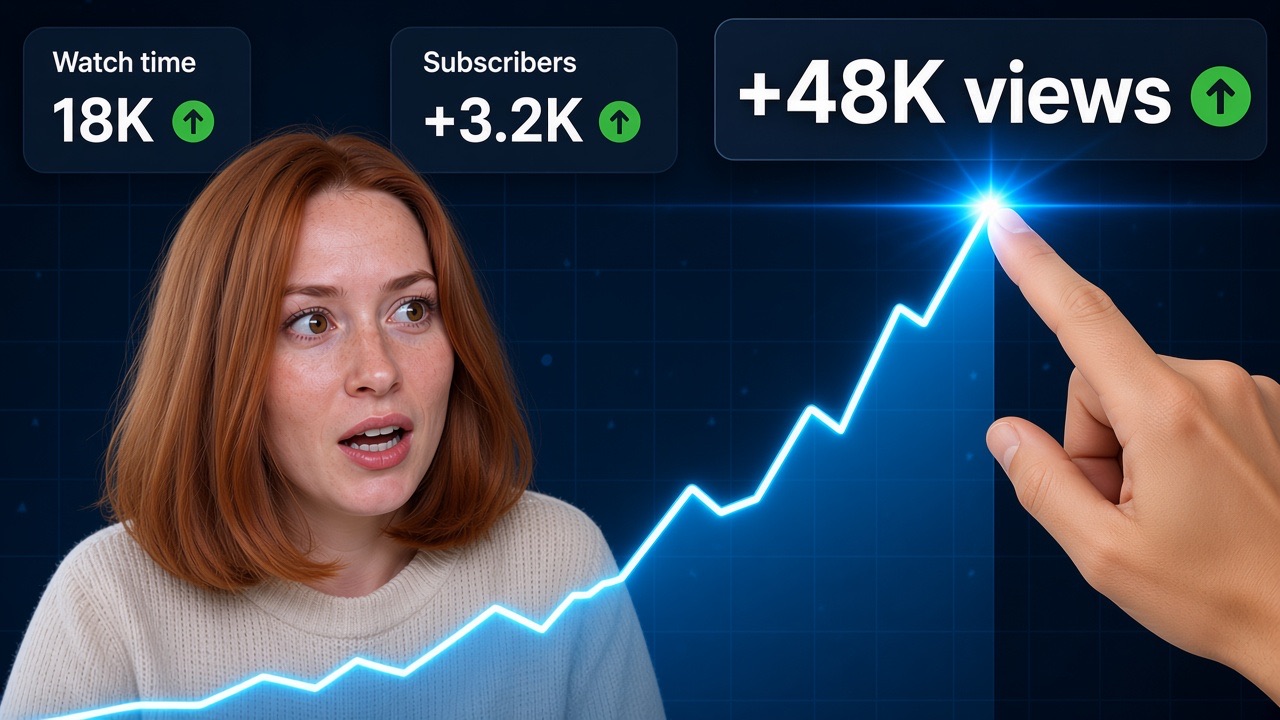
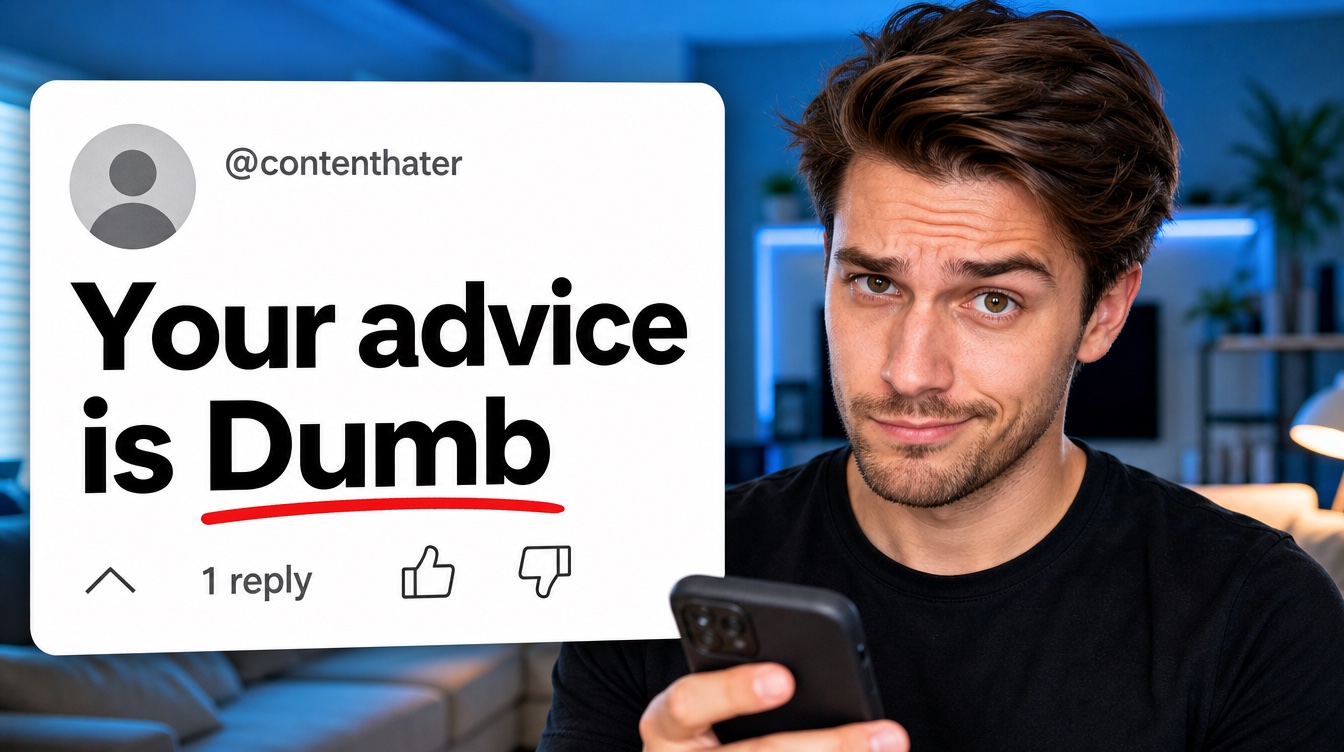
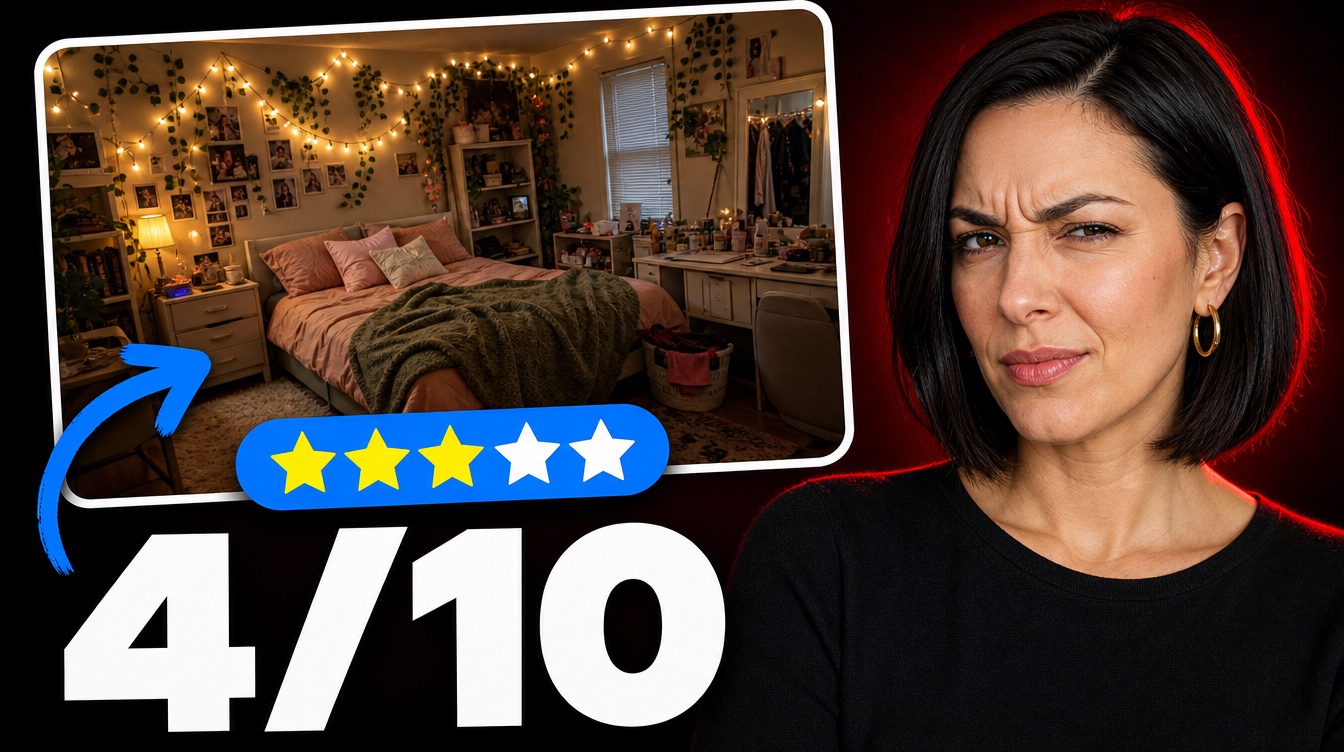
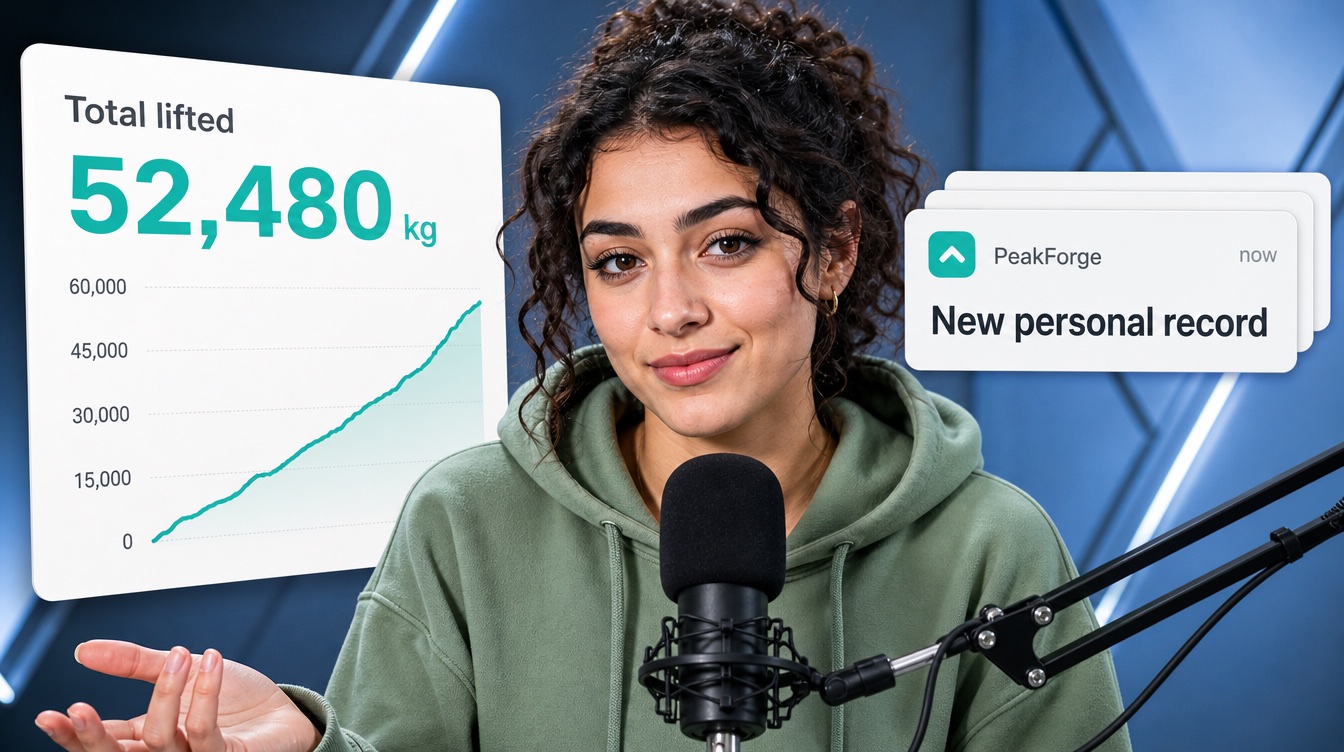
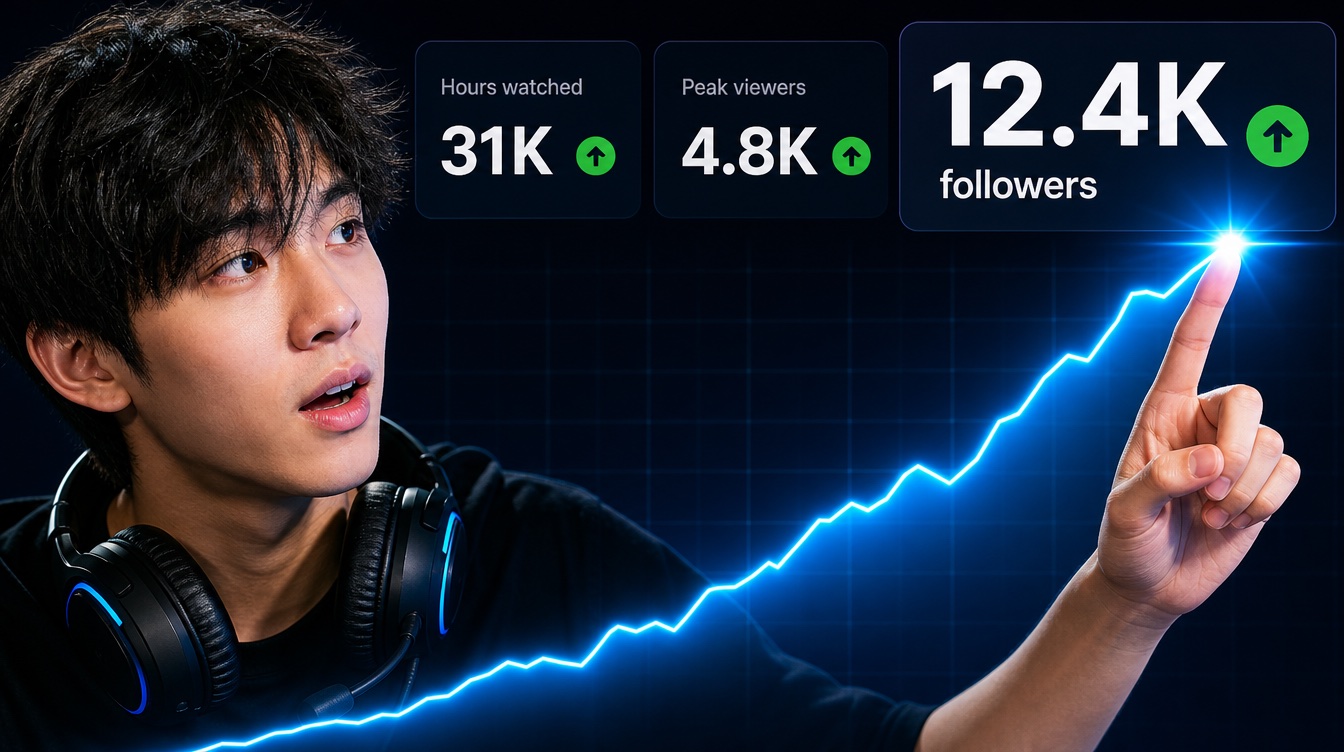
Everything in one studio
More clicks, without the design work.
Create from an idea
Describe your video and get up to four thumbnails. Add HD for sharp, built-in titles.
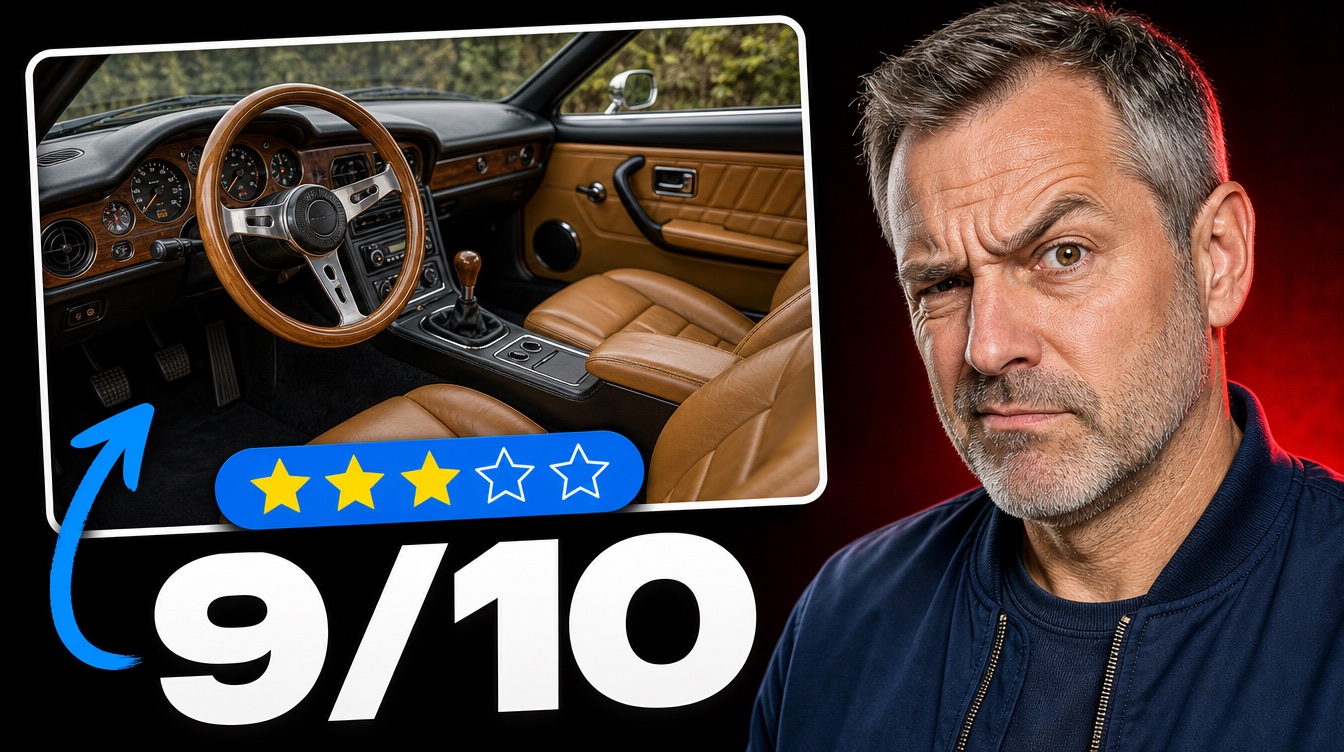
Recreate a winning format
Paste a video that's already working. Keep its layout, swap in your topic, title, face and screenshot.
Put your face in
Add a few photos once, then star in any thumbnail with the expression you want.
Keep your screenshot
Drop in a frame from your video, add your face and a bold title on top. Free, and nothing is uploaded.
Score it before you post
Get a predicted click score for clarity, curiosity and readability, plus what's holding it back.
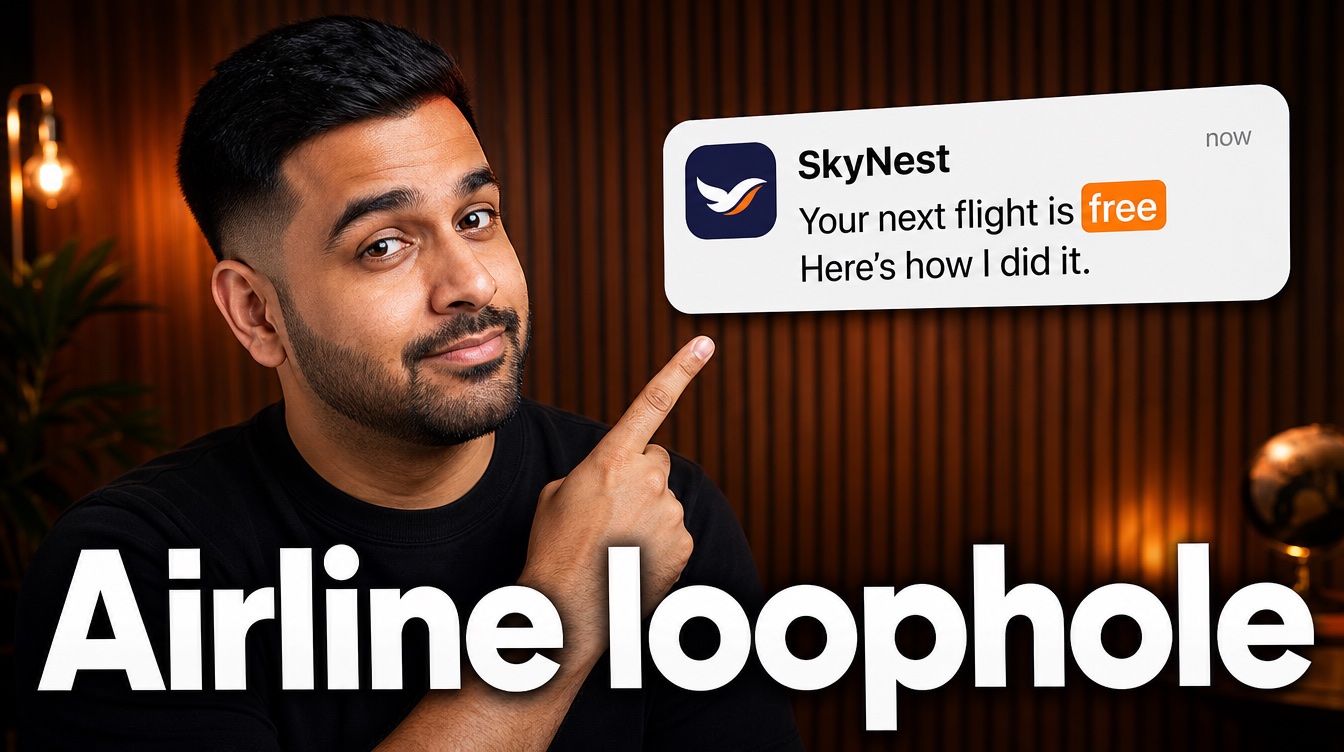 The airline loophole 9.1×
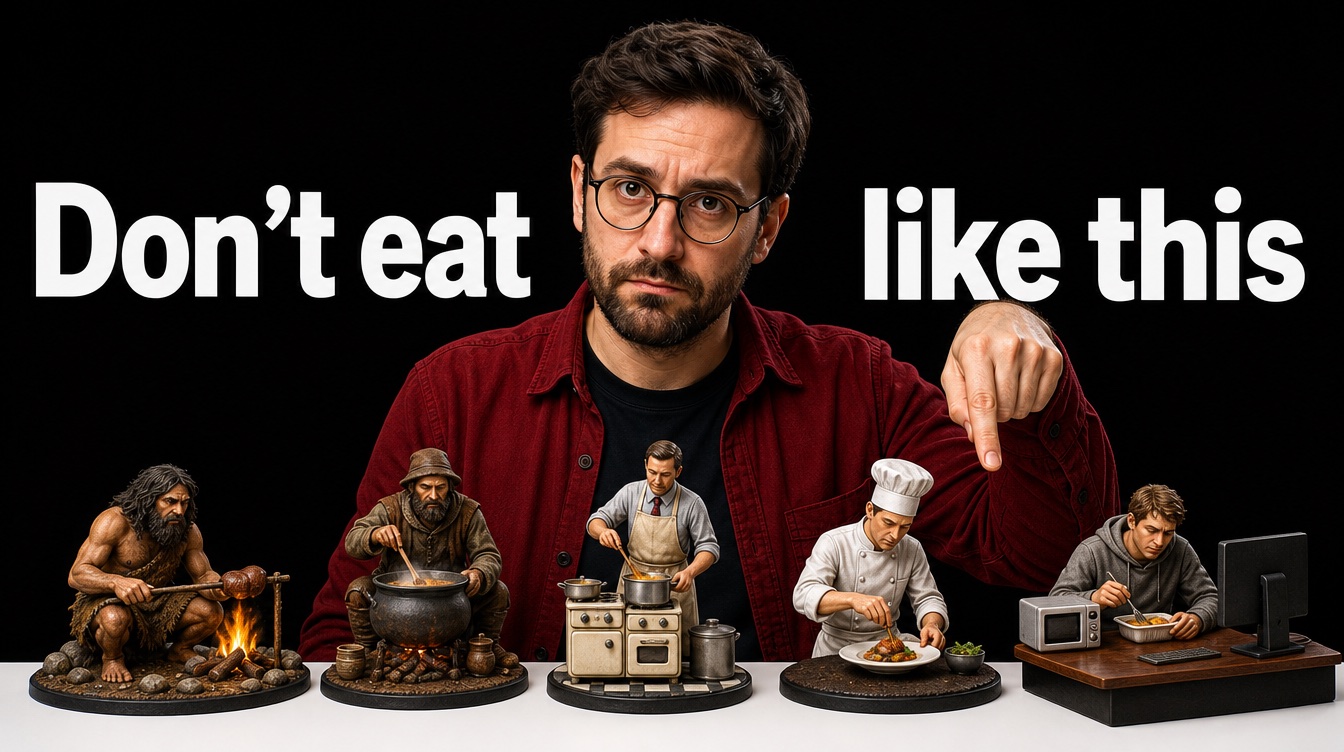 Don't eat like this 6.4×
 Sunday long run 4.8×
Spot what's breaking out
See videos beating their channel's normal views right now, across gaming, tech, fitness, food and more.
How it works
Three steps to a better thumbnail.
1. Start with your video
Type the idea, paste a winning video, or drop in a screenshot.
- make the title red
2. Make it yours
Pick the look, add your face and title, then edit until it pops.
- More clicks 1280×720
3. Score, fix, download
Check the score, fix anything weak in one click, and download at YouTube size.
Try it now
Make yours right here.
Start with Discover, Create, Recreate or Score & Fix. Sign in to keep everything on your account.
Start from a proven format
Breaking out on YouTube
Last 7 days
Loading what’s breaking out on YouTube…
Pricing
Pay for images, not for trying.
Titles and scores are always free. Credits pay for images: from 1 credit for a standard thumbnail.
- Free titles and scores
- 5 free credits to start
- Cancel monthly plans any time
Free tools
Free thumbnail tools, no sign-up.
They run in your browser, so your images never leave your device.
Thumbnail tester
See your thumbnail in the YouTube feed, search and on a phone, next to other videos. Compare two versions.
Open free tool →Background remover
Cut yourself out of any photo for a thumbnail. Transparent PNG in seconds.
Open free tool →Image upscaler
Turn a blurry video frame into a sharp 1280×720 thumbnail with AI upscaling.
Open free tool →FAQ
Questions
Is it free?
Titles, scores and the keep-your-screenshot maker are free. New accounts get 5 free credits for standard thumbnails; HD and your-face images use purchased credits.
What does the free score check?
Paste any YouTube link and we score its thumbnail for clarity, curiosity and readability at phone size, say what's holding it back and suggest a fix. No sign-in needed.
What does the channel audit check?
Your last 20 long videos (Shorts aren't counted). Each one is compared with your channel's typical views, so you can see which thumbnails are working and which are costing you clicks. Add your email to get a score, the main problem and a one-click fix for your three weakest.
Do you need access to my YouTube account?
No. The audit only uses public data: views, titles and thumbnails anyone can see. If it's your channel you can connect YouTube to add your real click-through rate. That access is read-only, and you can remove it any time in your Google account.
Do I need design skills?
No. Describe the video or paste one that's working, and the Studio does the layout, lighting and lettering.
Can I use my own face?
Yes. Upload up to three clear photos of yourself once, then put yourself into any thumbnail. Only upload photos of yourself or people who agreed.
What size do I get?
Thumbnails download at YouTube size (1280×720), ready to upload.
Do credits expire?
Top-up credits never expire. Monthly plans add credits every month, and you can cancel any time.